Project items
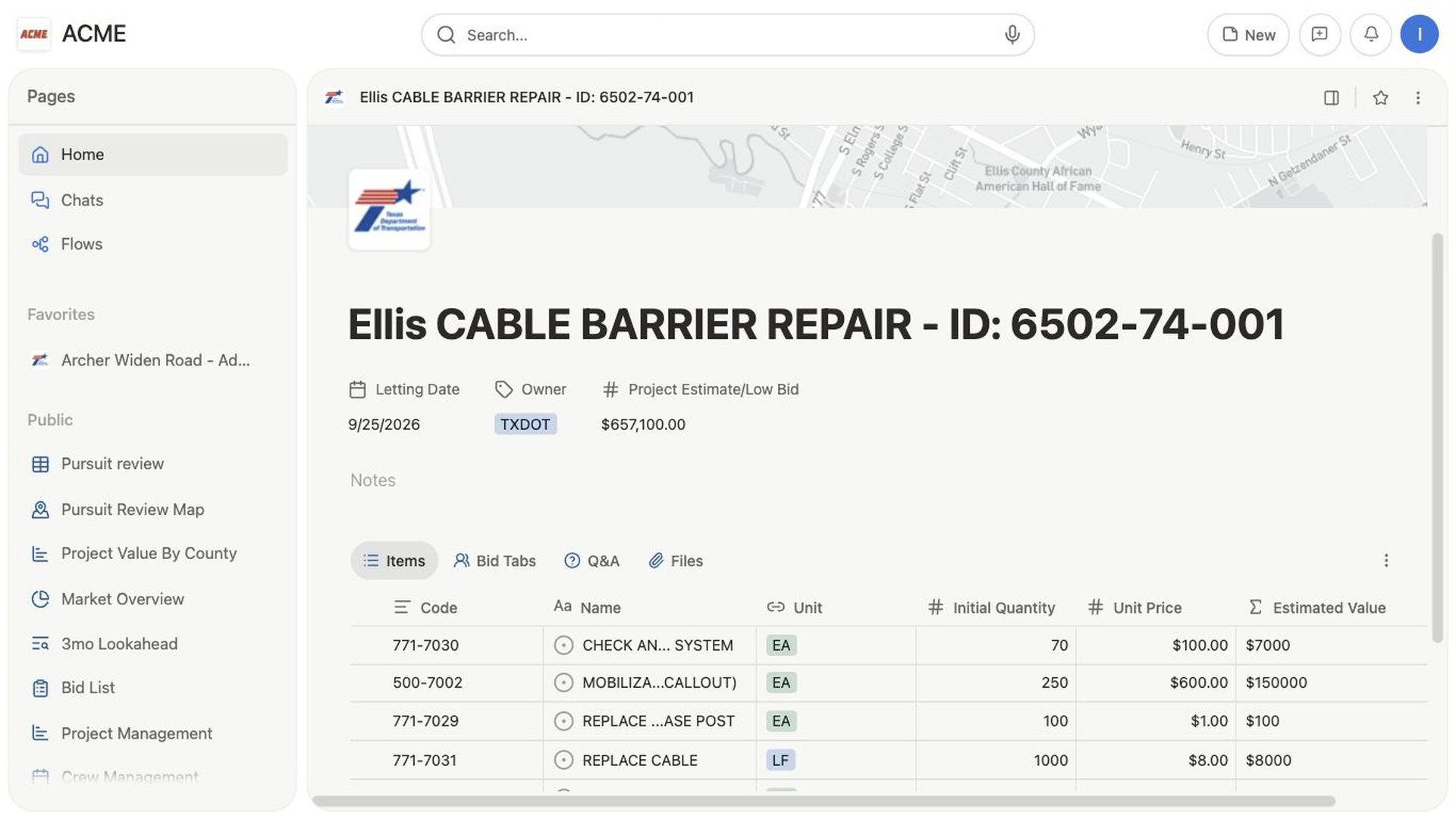
Review project materials, quantities, unit prices, and calculated values in one connected table.
1 min read · Reviewed
Review project materials, quantities, unit prices, and calculated values in one connected table.
Complete the task
- Open a project and scroll to its working views.
- Open
Items. - Review
Code,Name,Unit,Scope,Initial Quantity,Unit Price, andValuewhere those columns are present. - Use
Filterto narrow the item list orAdd columnto expose another field. - Select an item name to open its record. Use
NeworNew project itemsonly when your role and workflow allow item creation.