Bidlo weekly update: 2026-09-01–2026-09-08
Reorder bids, connect HCSS estimates to project line items, and edit apps through chat.
Bidlo Team
This week: put bids in the order your team needs, connect HCSS estimates to project line items, and edit your apps through chat.
Drag rows and cards into the order you want across tables, lists, boards, galleries, and calendars. Move a bid into another status group to update it, or select several records and move them together. Your order stays with the team after a reload. If the view is sorted, Bidlo asks before switching to manual order.
When an HCSS estimate item has a project and pay-item code, Bidlo links it to the matching project item or creates one when needed. New items carry the available description, takeoff quantity, unit, and material. The import's finishing pass also fills eligible missing links from earlier imports, so priced work can appear under the project without a fresh import.
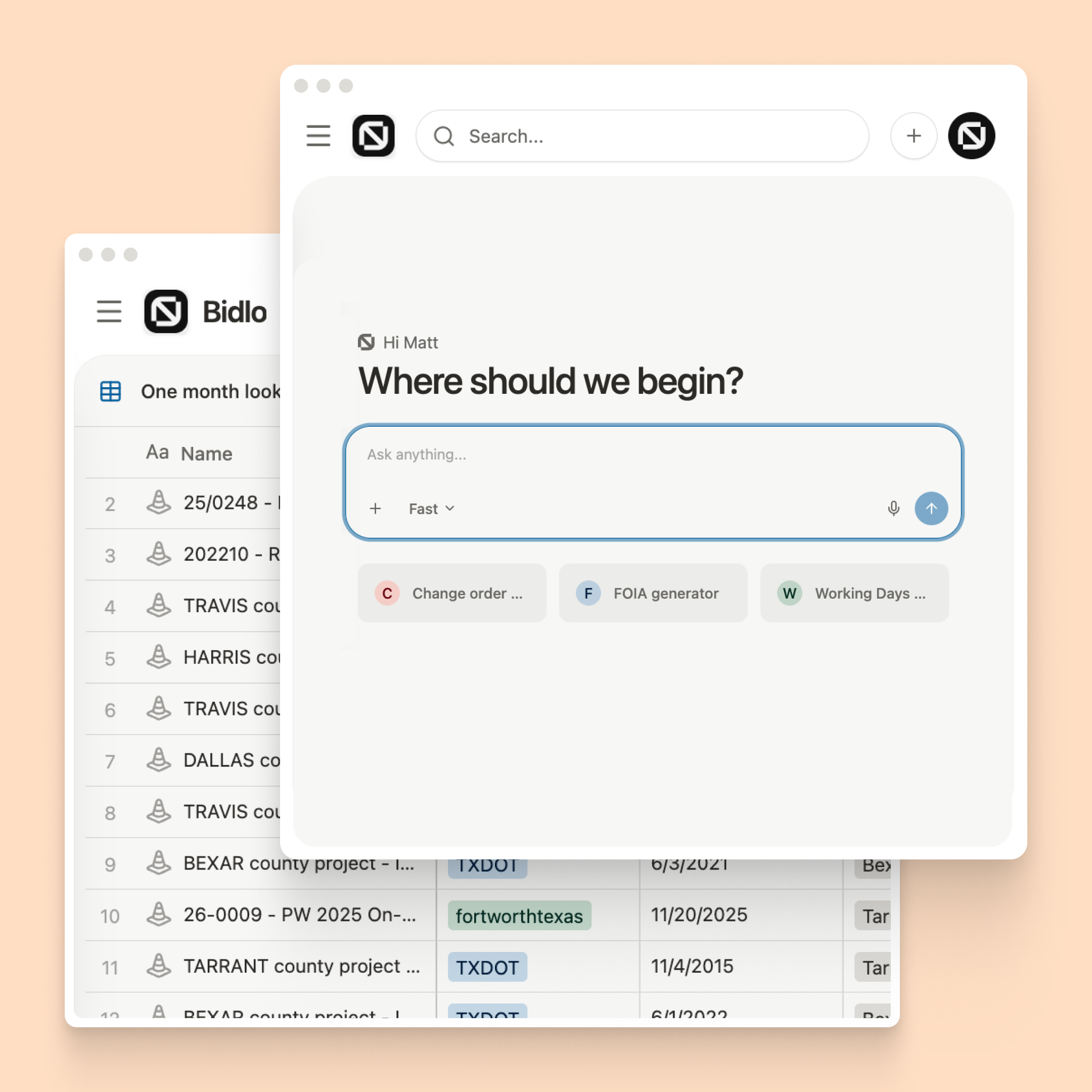
Open an app and choose Edit, or ask a chat to change it. Describe the change in the chat bar and review the updated preview while Bidlo publishes it in the background. The Builder mode strip keeps publication status, History, and Settings nearby. Open History to inspect an earlier version or restore it when needed.