Build custom apps inside Bidlo Lite
Build a custom app from one request, edit tables in Notes, and keep project activity beside the work.

Alex Desai
This week, Bidlo Lite turns a plain-language workflow request into a working app, brings the full product to your phone, and adds Timeline view for project schedules and milestones.
Describe a dashboard, tracker, or field workflow in plain language. Bidlo Lite builds the app against the records you already use, shows the result in the same workspace, and keeps earlier build conversations available when you return.
Bidlo Lite now fits a phone screen. Use the bottom navigation, open menus and editors as touch-friendly sheets, review records without losing your place, and work with views using controls sized for a thumb.
Turn project dates into a schedule for bids, mobilization, and other milestones. Timeline keeps work in order across days or months, and each bar opens the same project record your team already uses.
Lock views and columns — Views can now be locked, so a table you set up for the team stays set up that way. Anyone can still duplicate a locked view to get an unlocked copy.
Publish views as websites — You can publish a view—or a Views app tab—as a read-only website with its current layout and data.
Conditional color from the column menu — Conditional color is back in the table's column menu, so you can color a column by its values without opening view settings.
Draft and publish dashboard filters — Dashboard filters now work like filters elsewhere in Bidlo. On a shared page, changes to global filters or an individual card's filters stay personal until you publish them.
Date-only fields keep the selected day — Date-only fields now keep the day you selected in every local time zone instead of shifting during editing.
Views improvements — Views now give clearer formula feedback, show units, and filter through connected records.
Views improvements — Views now handle large summaries and incomplete date filters more reliably.
Clearer dates and settings in charts — Chart views format date values more clearly and present a cleaner set of display settings.
More reliable formula recalculation — Large formula batches now complete without turning otherwise valid results into error cells.
Sub-items in views — Related records can now sit beneath an expandable parent, keeping detailed work connected without flattening the entire view into one list.
Maps follow the area you are reviewing — Map views update their working area as you pan and provide clearer location sorting for nearby projects and opportunities.
Move from a view into a dashboard — Start a dashboard from an existing view and continue arranging the same information without rebuilding the page from scratch.
Field definitions in the data glossary — The data glossary now shows clear field definitions and sample values. You can check unfamiliar project data before you use it in a view or formula.
Highlight important records with color — Views can now color records when they match a rule. Overdue work, high-value bids, and missing information stand out while you scan the list.
Faster table setup and calculations — You can now add fields and formulas from the table header. Large tables also stay responsive while Bidlo Lite calculates the results.
Save a version automatically when sharing needs one — Sharing an app outside your team no longer stops to ask you for anything. If the app has never been saved, Continue saves a version, checks it, and shares that — you just pick who gets it.
Run the outside-share security check automatically — Sharing an app outside your team no longer waits on anyone. Click Share, type an outside address, and a step explains who's getting what: Continue runs the security check, sends the invite, and tells you exactly which data that person can now reach through the app.
Share custom apps outside your team — Share a custom app with people outside your team and let them work in that app without giving them access to everything else.
General improvements — You can now open original records from custom apps and receive digest emails every hour.
Version history for custom apps — Custom apps now keep working changes and saved versions. You can test an edit, save it when it is ready, or return to an earlier version.
Sharing controls for custom apps — Custom apps now have clearer sharing controls. Invite specific teammates while you build, or publish the finished app for everyone on your team.
General improvements — Suggestions now use your contractor profile, and map controls stay clear while you work.
A clearer AI model picker — The model picker groups options by provider, supports search, and shows reasoning controls where they apply, making speed-versus-depth choices easier to understand.
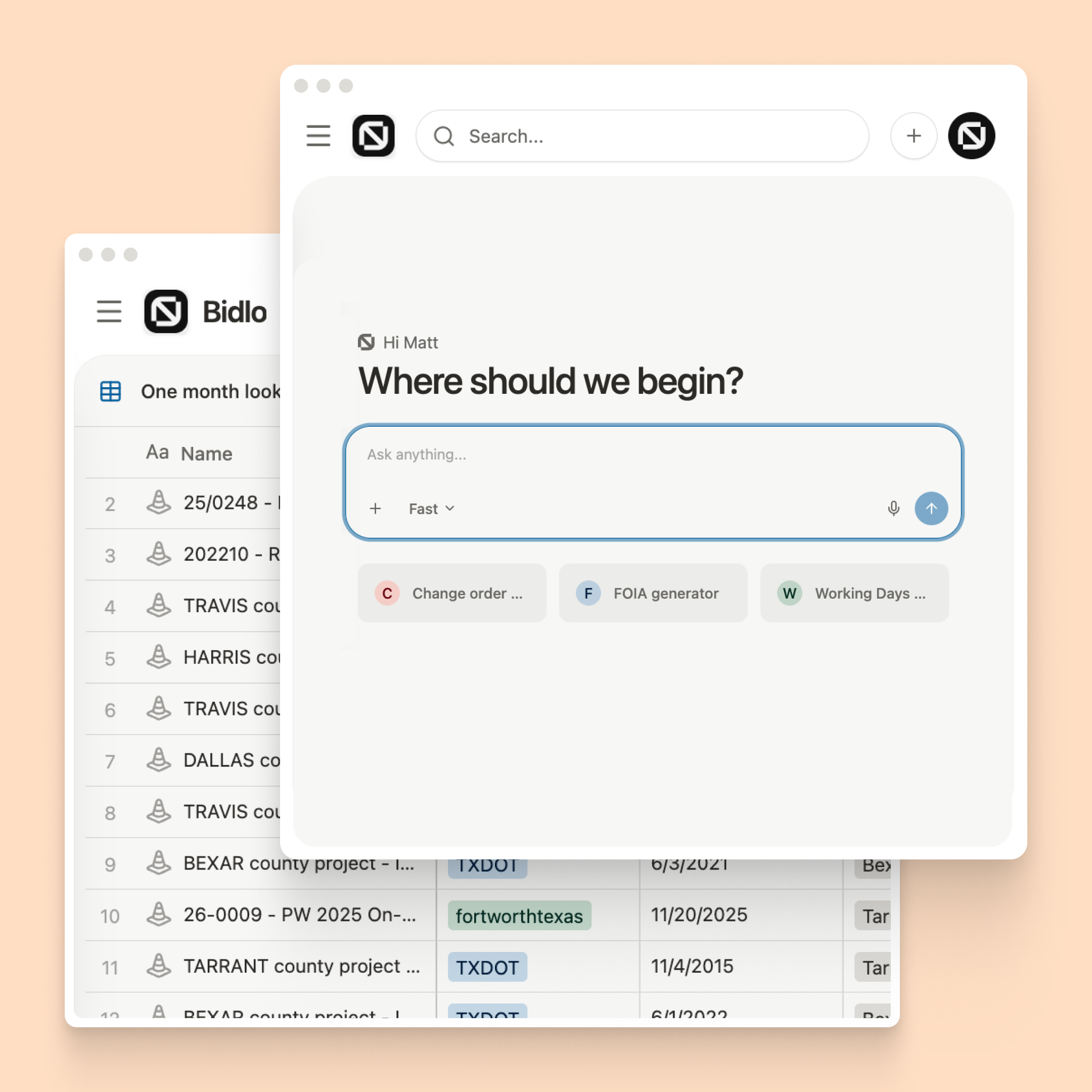
A more focused home screen — The Bidlo Lite home screen gives more room to the prompt and suggested actions, putting common starting points closer at hand.
Simpler sidebar organization — Sidebar pages now use one tree for adding, moving, grouping, and removing pages, with fewer folder rules to manage.
Undo and redo across Bidlo Lite — Undo and redo now cover field edits, deletions, page moves, and view changes across Bidlo Lite—not only text in an editor.
Deep research in chat — Deep Research now shows its plan and each research step in chat. You can see what Bidlo Lite is checking while it works.
Search and commands in one place — Search now finds records, documents, and common actions in one place. You can open the right project or start a task without moving through several menus.
Interactive tables in Notes — Tables in Notes now work as an editing surface for plans, comparisons, handoffs, and simple trackers that belong beside the work they explain.
Project details, comments, and activity in one panel — Project pages now keep details, comments, and recent changes in one side panel. The project stays on screen while you review its context.
More useful notifications and email updates — Notifications and email updates now show the right content, clearer details, and useful links.
Reliable sign-in recovery — Signing in to Bidlo is reliable again. Sign-ins that stalled after the sign-in page was left open now recover automatically, and brief connection problems no longer end the session.
Install Bidlo Lite on your phone or computer — Bidlo Lite can now be installed like an app, with a touch-friendly mobile layout and push notifications for views you follow—even when the browser is closed.
Email digests for view updates — View notification settings now include email digest controls for following important changes without staying in the app throughout the day.